

AI Innovations in Streamlining Dash Camera Footage Review
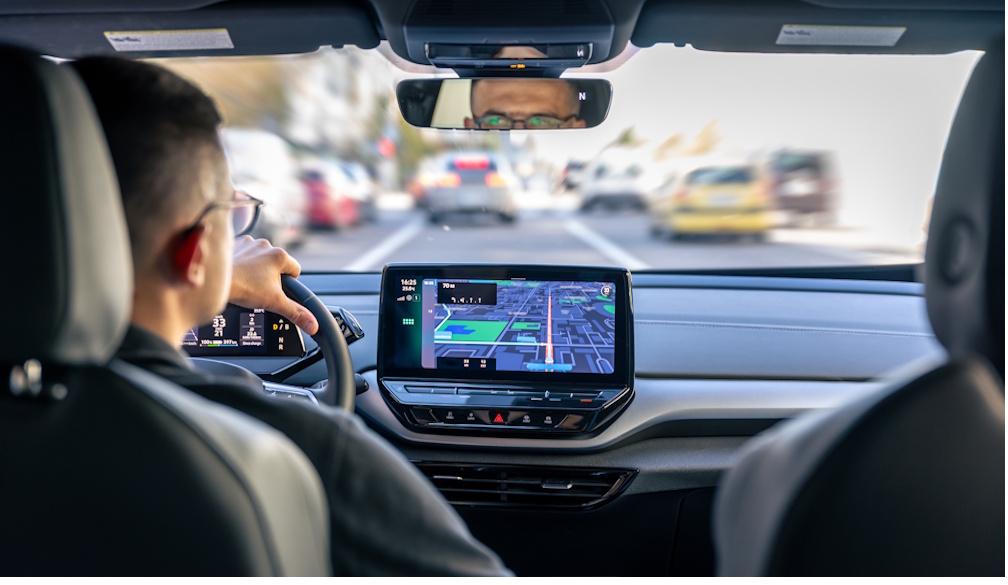
You know that feeling: you need answers fast, but you’re staring at hours of road footage that all looks the same—gray asphalt, streaks of headlights, the occasional glare that turns everything into a smudged watercolor. Reviewing video can feel like trying to find a single dropped key in a snowbank. Yet this is exactly where AI steps in—not as a cold replacement for judgment, but as a practical partner that helps you move from “endless scrolling” to “clear decisions.”
This guide walks you through how modern AI is transforming footage review into something faster, calmer, and surprisingly human-centered. Because you deserve tools that respect your time, your attention, and your nerves.
How AI Turns Dash Cam Footage Into Searchable Evidence
If you’ve ever tried to manually review a dash cam clip after a close call, you know how quickly stress shows up. You replay the same ten seconds again and again, hoping you didn’t miss the one detail that matters. AI changes the game by turning raw video into indexed information—so you can search moments instead of scrubbing through timelines.
Here’s what that looks like in real life:
- Scene detection: AI recognizes “nothing is happening” versus “something changed.” Sudden braking, a lane departure, a near impact—those moments rise to the top automatically.
- Object recognition: Vehicles, pedestrians, bicycles, license plates, traffic lights, and road signs can be detected and tagged.
- Time-stamped event summaries: Instead of watching 90 minutes, you get a list of key events with clickable timestamps.
And this isn’t only about speed. It’s about reducing the emotional load. When you’re shaken, your brain doesn’t want to sift through noise. You want clarity. AI gives you a map.
There’s a small moment many people recognize during high-pressure review: you start explaining what happened to someone—an insurer, a supervisor, even a friend—and you stammer. Not because you’re dishonest. Because your mind is racing. Because you’re trying to translate chaos into a clean story. AI-assisted review helps you avoid that spiral by anchoring your account to visible, organized evidence.
Smart Filtering, Auto-Tagging, and the End of “Endless Scrolling”
You shouldn’t have to watch hours of normal driving to find the one minute that matters. AI streamlining starts with ruthless filtering—quietly cutting out the dull stretches while keeping the moments you’d actually care about.
What you can expect from modern systems:
- Motion-based filtering: Less movement, less relevance. More movement in the frame, more likely an event occurred.
- Audio spikes and vibration cues: Some tools correlate sharp sounds or sudden jolts with likely incidents.
- Geo and speed context: AI can pair footage with GPS data and speed changes, then flag anomalies: sudden stops, unexpected detours, erratic acceleration.
- Custom rules: You can set what matters to you—hard braking, speeding thresholds, time-of-day risk windows, school-zone activity.
This is where “burstiness” matters in a very practical sense. Real driving is long stretches of calm punctuated by sharp spikes of intensity. AI models are built to handle exactly that pattern: boring-boring-boring… then a flash of risk. The technology doesn’t get tired. You do.
And when the system works well, you feel it in your shoulders first. Reviewing stops being a slog and becomes a quick check-in: “Here are the three moments you should see.” That’s it.
Dash Camera Review Workflows for Fleets and Families
Whether you manage a fleet or you’re simply trying to protect your household on the road, your needs overlap: faster review, fewer false alarms, better documentation, and less stress. The best AI-supported workflows aren’t complicated—they’re repeatable.
A practical workflow you can copy:
1) Capture and upload
Footage from your dash camera can be stored locally, sent to a phone, or uploaded to the cloud. AI works best when it can process clips automatically as they arrive.
2) AI triage
The system scans for events, assigns a severity score, and generates a short event list. You review the list, not the entire drive.
3) Human confirmation
You verify what happened. AI flags; you decide. This is where fairness and accuracy matter—especially if footage affects discipline, claims, or legal outcomes.
4) Share and export
You export a clip with time, location, and event notes, ready for insurers, police, or internal reporting.
Now here’s something that rarely gets said. Good dash cams provide comfort, not just efficiency. Comfort is that quiet sense that you’re not alone with the burden of figuring it out.
One driver described it like this. After a tense incident, they dreaded opening the video from their dash cams. The app surfaced the exact moment, highlighted the lane change, and offered a short summary. The review didn’t feel like reliving the fear. It felt like regaining control. That’s comfort. Practical, grounded, earned.
This is also where families benefit. If you’re teaching a teen driver, AI can help you focus on specific coaching moments without turning every conversation into a lecture. You’re not nitpicking. You’re reviewing clear markers: following distance, distracted moments, harsh braking—then moving forward.
From Raw Video to Clear Stories: Summaries, Transcripts, and Timelines
AI doesn’t just find events; it explains them. Increasingly, systems generate “incident narratives” that help you understand the sequence: what changed, when it changed, and what was in the frame.
Common features include:
- Highlight reels: A stitched compilation of the most important segments from a trip.
- Natural-language summaries: “Vehicle ahead braked suddenly; ego vehicle decelerated sharply; near rear-end risk detected.”
- Transcripts and voice detection: Useful when cabin audio is enabled—especially for commercial contexts where verbal cues matter.
- Multi-camera fusion: Front, rear, and cabin views combined into a single synchronized timeline.
And yes, sometimes the language gets technical. Sometimes it sounds strange. That reminds many people of stumbling across an unfamiliar word in a report and having to stop—like “anguiform,” that rare, eel-like descriptor you might see in biology or design. Imagine reading it late at night, squinting, thinking, “Why is this here?” Then you look again and realize: the AI is trying to describe a winding shape, a curving trajectory, a snake-like path across lanes. Odd word, useful meaning. That’s the current era of AI summaries: occasionally awkward, increasingly precise, and improving fast.
When you’re choosing tools, look for summaries you can understand at a glance—and export without rewriting from scratch.
Privacy, Bias, and Keeping You in Control
Speed isn’t everything. Trust matters. The best AI systems are built around your control, your policies, and your boundaries.
Here’s what you should check:
- Data ownership: Who owns the footage? Who can access it? Can you delete it permanently?
- Storage and encryption: Is video encrypted in transit and at rest? Are there role-based permissions?
- Bias and false positives: AI can misread shadows, weather, or unusual vehicles. You need human review as


 Daily Bulletin


