

How Australians Are Saving on Tech by Buying Refurbished
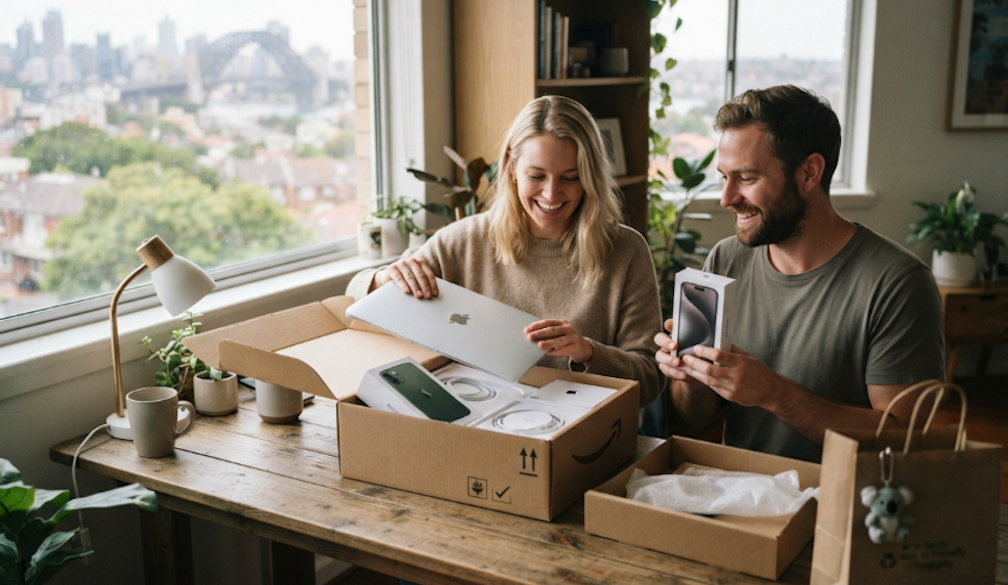
The cost of a new smartphone in Australia keeps climbing. A top model iPhone can now cost over two thousand dollars, and even mid-range Android flagships push past fifteen hundred. For many households already stretched thin by rent, groceries, and bills, spending that much on a phone feels out of reach.
That is why more Aussies are turning to refurbished phones. What used to be a niche market has become one of the fastest growing corners of Australia's tech scene. Buyers are saving hundreds, sometimes thousands, without giving up on quality or features.
A Fast Growing Market
The refurbished phone market in Australia is expected to grow by around eight percent every year through the next decade. That pace shows how quickly attitudes are shifting. Only a few years ago, buying anything other than a new phone felt like a compromise. Today, it is a smart financial move that thousands of Australians make every month.
Online platforms, dedicated refurbishers, and even large retailers are all expanding their refurbished ranges to keep up with demand. The stigma is gone, and the numbers back that up.
Where Aussies Are Buying From
Not all refurbished sellers are the same. Big marketplaces like Facebook and Gumtree carry real risks because the phones are often sold as-is with no warranty or testing. If the device fails a few weeks later, buyers have no way to get their money back.
Dedicated Australian refurbishers offer a safer path. Sellers like Phonebot have built their whole business around testing and grading second-hand devices. Every phone goes through a detailed diagnostic check, comes with a warranty, and ships unlocked so buyers can use any carrier. That kind of trust is why more Aussies are moving away from private sales and towards specialist retailers.
Real Dollar Savings
The savings on offer are hard to ignore. A refurbished flagship phone typically costs thirty to fifty percent less than a brand new unit of the same model. On some devices that are only a year or two old, buyers can save up to seventy percent off launch pricing. That means a phone that sold for two thousand dollars last year can often be picked up for around one thousand, sometimes less.
Here is what the price gap looks like for popular models:
- Latest iPhone Pro models: Often sold refurbished at close to half the original price.
- Samsung Galaxy flagships: Around thirty to fifty percent below new pricing.
- Google Pixel Pro range: Similar savings, often with only light cosmetic wear.
For families with more than one phone user, the savings add up fast. A household of four can upgrade every device for the price of a single new flagship.
Better for the Planet Too
Refurbished phones are not just easier on the wallet. They also cut down on electronic waste. According to Sustainability Victoria, e-waste is now growing three times faster than any other waste stream in the country. Mobile phones make up a large slice of that pile.
By choosing a refurbished device, buyers extend the life of a phone that would otherwise end up in landfill. Every refurbished handset sold is one less brand new phone that needs to be built from scratch, saving raw materials, energy, and water. Younger buyers in particular are driving the shift, with many actively looking for pre-owned tech over new before they even check the price tag.
What to Look Out For
Even with a trusted seller, there are a few things every buyer should check before handing over their card:
- Grading: Sellers use grades like A, B, or C to show how the phone looks. Grade A is almost flawless. Grade B and C show more visible wear.
- Battery health: A good refurbisher will guarantee battery health of at least eighty percent.
- Warranty: Look for at least six to twelve months of cover. Anything less is a red flag.
- Return policy: Fourteen to thirty days is a fair window. It gives you time to test the phone in daily use.
These simple checks take only minutes but can save you from a bad deal.
Are Refurbished Phones Worth It
For most Aussies, the answer is a clear yes. You get modern features, a working device, and a warranty for a much lower price. The phone is factory reset, updated, and cleaned before it reaches you.
Software support is another plus. Refurbished phones get the same iOS or Android updates as new units, so buyers do not miss out on security patches or new features. And because most models sold are only one or two years old, they still have plenty of update life left.
The Bigger Picture
The shift towards refurbished tech in Australia is part of a wider change in how people think about ownership. Cost of living pressure has forced many households to rethink what they truly need. A brand new phone every two years no longer feels like a must-have. Instead, buyers are keeping their phones longer or buying second-hand when they do upgrade.
That change is good for wallets, good for the planet, and good for the local Aussie businesses that give old devices a second life. It also puts pressure on big brands to lower prices or extend software support, which benefits every buyer.
Final Word
The next time you feel the sting of a two thousand dollar price tag on a new phone, take a breath and look at the refurbished market first. You will find the same models, the same features, and the same reliable performance, all at a fraction of the cost.
For Aussies who want smart tech without the shock at checkout, refurbished is quickly becoming the obvious choice.

 Daily Bulletin


